Check A Price | Walmart Business App

Now in the app

Scan for easy shopping

Check prices, confirm in-store availability & make lists.

How to check a price

1. Download the app

Then, open it while you're in-store.

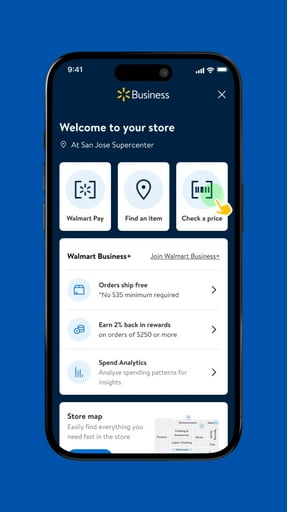
2. Tap "Check a price"

You'll find the button on your app's Store Mode home screen.

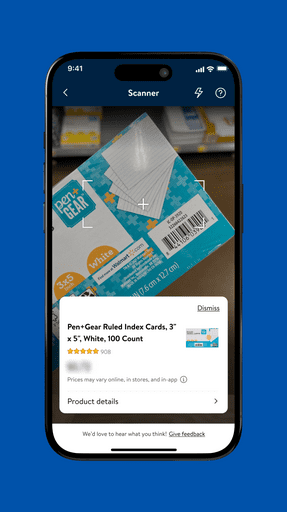
3. Scan to see a price

Use the in-app scanner to read barcodes on items & shelf labels.

FAQ

How can the Check A Price feature help business buyers compare product options in-store?

What types of products are best suited for bulk buyers using the Check A Price tool?

Why is the Check A Price tool valuable for managing business inventory needs?

Should business buyers use the Check A Price feature for recurring purchases?

Where can I check product availability and delivery options using the app?